When a user says a page is slow, a general message or knowing that CPU has increased is not enough. Operational tools need to answer questions about symptoms, where the delay is, the sequence of services, and the impact of the problem. Observability combines logs, metrics, and distributed tracing within a context that helps with diagnosis and improvement.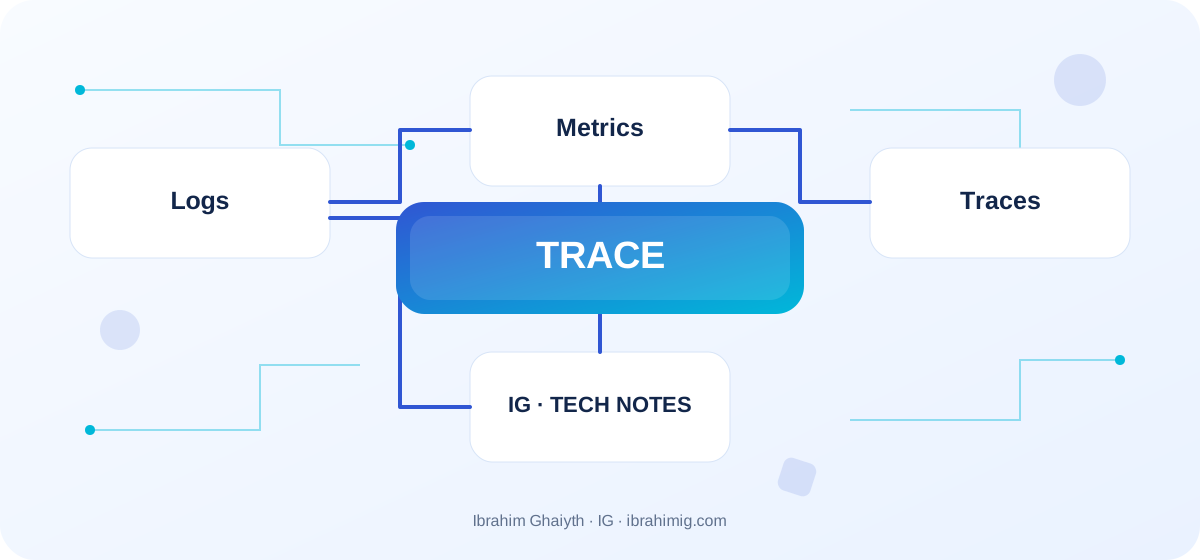
What you will take away from the article
- Signals covering system health and user experience.
- Linking requests across services using trace context.
- Protecting sensitive data and actionable alerts.
Logs: What happened?
Logs describe events such as a connection failure or task completion. It is preferable for them to be organized, containing a timestamp, level, service, and request ID or trace ID when available. Consistent logging makes searching and aggregation easier, while unstructured free text is harder to analyze. Do not log everything forever; use appropriate levels and avoid logging passwords, secrets, and unnecessary personal data. Keep a context that helps investigation without leaking full request bodies.
Metrics: How did the state change?
Metrics are digital measurements over time, such as request rates, errors, response times, and memory. Rate, Errors, and Duration indicators, along with resource saturation, help determine if the problem is general or confined to a service. Avoid putting a user ID or unique URL in high-cardinality labels because it increases the number of series and storage cost; move individual details to logs or traces where it fits.
Traces: Where did the request spend its time?
Distributed tracing helps follow a request across services. A trace consists of spans representing parts like an API call, database query, or external connection. When a slow span appears, you can identify where the delay is. Pass trace context between services when supported, and choose attributes that aid diagnosis without revealing secrets. Sampling may reduce cost but requires a policy that maintains the likelihood of seeing important events.
Actionable alerts
A good alert indicates a problem affecting the user or threatening a service goal. Do not send an urgent alert for every transient CPU spike, nor ignore an error rate increase. Link the alert to a dashboard and initial response steps. SLOs for response time or success rate can be used, tying metrics to what matters to the user. Start with a small structure like organized logs and a request ID, then add OpenTelemetry and traces as needed, and monitor the monitoring system itself.
Organized log without secrets
logger.info({
  event: "order_created",
  orderId: order.id,
  requestId,
  durationMs,
  result: "success"
}, "Order created");

// Do not log passwords or access tokens.
Link log to request and metric
A useful log records an event with a fixed structure: event type, correlation ID, duration, result, and possibly a non-sensitive resource ID. These fields allow searching and aggregation without analyzing free text each time. When a user asks about a failed request, the requestId can be used to access related service stages, provided it is passed between services.
Metrics show whether a failure is an isolated incident or a continuous pattern, while a trace clarifies where the request spent its time across components. Having these three types is not enough; they must share identifiers and consistent context, or they will remain separate tools that do not provide an operational picture of the problem.
Detailed case study: from symptom to root cause
The practical case here is: the request time increases across several services, and the team cannot determine where the delay is due to the lack of a shared correlation ID. It is not enough to fix the apparent symptom; one must draw the data or request path from start to finish and identify where the difference originated. Start by logging what happened, what is expected to happen, and the step that can be proven by measurement, log, or test. Then change one clear factor and redo the scenario to verify that the root cause is addressed. If several components change at once, it will be difficult to know which one made the difference.
Link the case outcome to the article's principle: Logs: what happened? and Metrics: how did the state change?. These two concepts define what should be checked first and what can be postponed. Also, log untested cases so that the success of one scenario does not become a claim that the entire system is problem-free.
Choose metrics that lead to a decision
Request metrics like Rate, Errors, and Duration (RED) are useful for services that receive requests, while usage and resource saturation indicators (USE) help understand CPU, memory, disk, and network. Choose metrics based on a specific operational question, not on the abundance of graphs. The average may hide slowness in a small percentage of requests, so monitor appropriate percentiles and sample counts.
Do not make a metric label from a user ID or unique request without limits; this could cause high cardinality and large storage costs. Use limited dimensions like service, region, and result type, and keep individual identifiers in logs or traces when needed for investigation.
From example to implementation in a real project
Start from the code example presented in the article: "organized log without secrets". Do not transfer it literally to production before defining its inputs, outputs, and assumptions. Ask what happens when a value is missing, or unexpected data arrives, or a request is repeated, or an external dependency is delayed. Then implement a small version within an independent branch and add a test for the basic case and another for a failure case.
Use these steps as a beginning: identify operational questions that need answers. Then add organized logs and correlated request IDs. Then monitor request rates, errors, time, and saturation.. Make each step reviewable, and do not mix project settings and secrets within an educational example. If your environment differs from the example, document the difference and adjust the implementation based on official documentation rather than copying the solution without understanding.
Move from alert to root cause
When the system alerts you to an increase in errors, start by defining their scope: which service, which region, since when, and whether it coincided with a deployment or load increase? Use the metric to determine the period, logs to understand specific cases, and trace to examine the delayed request. Do not assume the first slow span is the cause if it is just waiting for another service.
Design a runbook for each important alert that mentions what to check, what the first safe action is, and when to escalate. An alert without a possible response becomes noise. Review false and repeated alerts after incidents, and adjust the boundaries or data they depend on.
Systematic diagnosis approach upon failure
When a solution does not work, do not start by adding another condition before identifying the failure evidence. Record the input, expected outcome, actual outcome, and the message or measurement that supports the conclusion. One of the repeated mistakes in this topic is logging secrets or sensitive data.. Treat this point as a hypothesis for testing, not as a preconceived diagnosis; the problem cause might be in an adjacent layer or in an incorrect assumption in the test.
Divide the system into clear boundaries: inputs, processing, external dependency, and outcome. Test each boundary separately as much as possible, then implement an integrated scenario. If you fix the problem, add a test that prevents its return or an operational observation that helps detect it early. The goal is for diagnosis to become repeatable by another team member, not to remain tied to the memory of the person who discovered the fault.
Privacy, cost, and retention
Production logs may collect more details than needed for diagnosis. Do not log passwords, access tokens, or complete private content; use masking or data reduction before sending to the monitoring platform. Determine the retention period, access permissions, and encryption, especially when logs contain person identifiers or account events.
Do not raise sampling in traces to 100% all the time without calculating the cost. A basic sample can be used with higher retention for errors or rare cases according to available tools. Monitoring should reflect the product's most important behaviors and withstand increased load during incidents without becoming a resource consumption cause itself.
Advanced considerations before adopting a solution
Before adopting a monitoring solution, consider the privacy and security implications of collecting and storing log data, as well as the potential costs and scalability requirements. It is also important to evaluate the solution's ability to handle complex distributed systems and to provide actionable insights that can inform decision-making. Additionally, consider the solution's compatibility with existing tools and systems, as well as its ability to adapt to changing requirements and evolving technologies.
In a real project, the solution is not evaluated solely on the success of the happy case. Review the behavior under load, failure cases, future changes, and relevant security boundaries. It is important here to tie records, metrics, and traces to a unified context, and minimize sensitive data and high-cost dimensions. Do not treat these points as a later addendum; design decisions can be difficult to change when data accumulates or multiple clients depend on them.
Define metrics or acceptance tests before merging, and clearly document the solution's boundaries. A solution may be suitable for a small site but may need a queue, cache, or more stringent architecture as usage grows. Do not add unnecessary complexity without evidence, but do not ignore a clear indication that requirements exceed the simple version. A good decision balances current simplicity with the expected cost of change and maintains system clarity for the team.
Convert Measurement to Service Objectives
Define a measurable SLI such as the percentage of successful requests or the 95th percentile response time, then choose a realistic SLO that represents user expectations. Do not set a goal that you cannot measure or that the team does not have a decision that affects it. Link excessive error budget consumption to the priority of stability fixes versus launching new features according to team agreement.
After an incident, write a summary that describes the impact, time, cause, contributing factors, and preventive measures. The purpose is not to blame someone, but to reduce the likelihood of repetition and improve detection and response speed. Review whether metrics and alerts actually helped identify the problem or if the team needed a long time to discover it.
Practical Application and Acceptance Criteria
Try this exercise on a test project or a separate branch: track a single request across three layers using a requestId and discover the delay point. Write the expected outcome before implementation, record what actually happened, and then fix the difference if it appears. Also, try a boundary case or intentional failure in a safe manner. Do not use real data or a production system to cause a test failure.
Consider the task complete when the steps for re-attempting are documented, the test proves basic behavior and failure case, and there are no secrets or sensitive information in the record, and another developer can understand the reason for the solution. If this is not achieved, what is required is not to add more code directly; rephrase the problem and clarify the incorrect assumption. This approach makes the article a starting point for a technical practice, not just a theoretical reading.
Frequently Asked Questions about Observability
Is logging alone sufficient? Usually not; it records events, but metrics reveal trends and traces connect the journey across services.
Should all data be sent without sampling? It depends on the volume, cost, and needs; a conscious policy must be determined.
What is a good alert? An alert related to a user impact or operational risk that suggests a step that can be taken.
Practical Implementation Plan
- Identify operational questions that need an answer.
- Add organized logs and connected request identifiers.
- Monitor request rates, errors, time, and saturation.
- Add traces for slow paths.
- Write alerts with response guidance and test monitoring.
Common Mistakes to Watch Out For
- Logging secrets or sensitive data.
- Many alerts that do not require clear action.
- Putting every unique identifier in labels for metrics.
Conclusion
Good observability connects the event to the rate and request path. Collect organized signals, protect data, and make alerts actionable. The goal is to reduce the time to detect, understand, and solve a problem, not to collect the largest amount of logs.